You've spent years mastering code, solving tough bugs, and building apps that work. Yet, that knowledge sits hidden in your local repo. A tech blog changes that—it amplifies your voice and opens doors.
Think about it: recruiters hunt for devs who share insights online. Peers seek your fixes for their daily headaches. Starting a developer blog turns your skills into a portfolio that works 24/7. It builds networks, sparks collaborations, and even leads to side income from courses or tools. Technical posts rank high in searches, drawing traffic from folks facing the same issues you once did.
Defining Your Niche and Audience Strategy
Narrow focus wins in tech blogging. Broad topics drown in noise, but specifics draw loyal readers. Pick a niche that matches your strengths, then grow from there.
Selecting Your Core Technical Focus Area
Start with what you know best. Broad areas like web development pull crowds but face stiff competition. Narrow to serverless Rust setups or React hooks tricks for quicker wins.
Map your current projects to content ideas. If you tweak Node.js apps daily, build pillars around performance tips. This keeps writing fresh and authentic. Readers trust devs who live the code.
Understanding Your Ideal Reader Persona
Know who reads your posts. Junior devs need step-by-step guides. Senior folks crave deep dives into edge cases. CTOs want opinions on scalable architectures.
Pain points shape your style. Tutorials fix immediate blocks. Opinion pieces spark debates on trends like AI in dev workflows. Look at blogs like David Walsh's—his JavaScript niche pulls thousands with targeted advice.
Competitive Analysis: What Content is Missing?
Search Google for queries in your niche. Tools like Ahrefs or free options show top results. Spot gaps: outdated tutorials on new library versions or shallow explanations of error codes.
Check Stack Overflow for unanswered questions. If top articles skip real-world pitfalls, fill that void. This positions your blog as the go-to source. Aim for long-tail keywords like "debugging async Rust errors in production."
Technical Setup: Launching Your Platform
Get your site live fast. Developers hate slow setups, so choose tools that scale with your code. Focus on speed and ease to keep momentum.
Choosing the Right Platform (CMS vs. Static Site Generator)
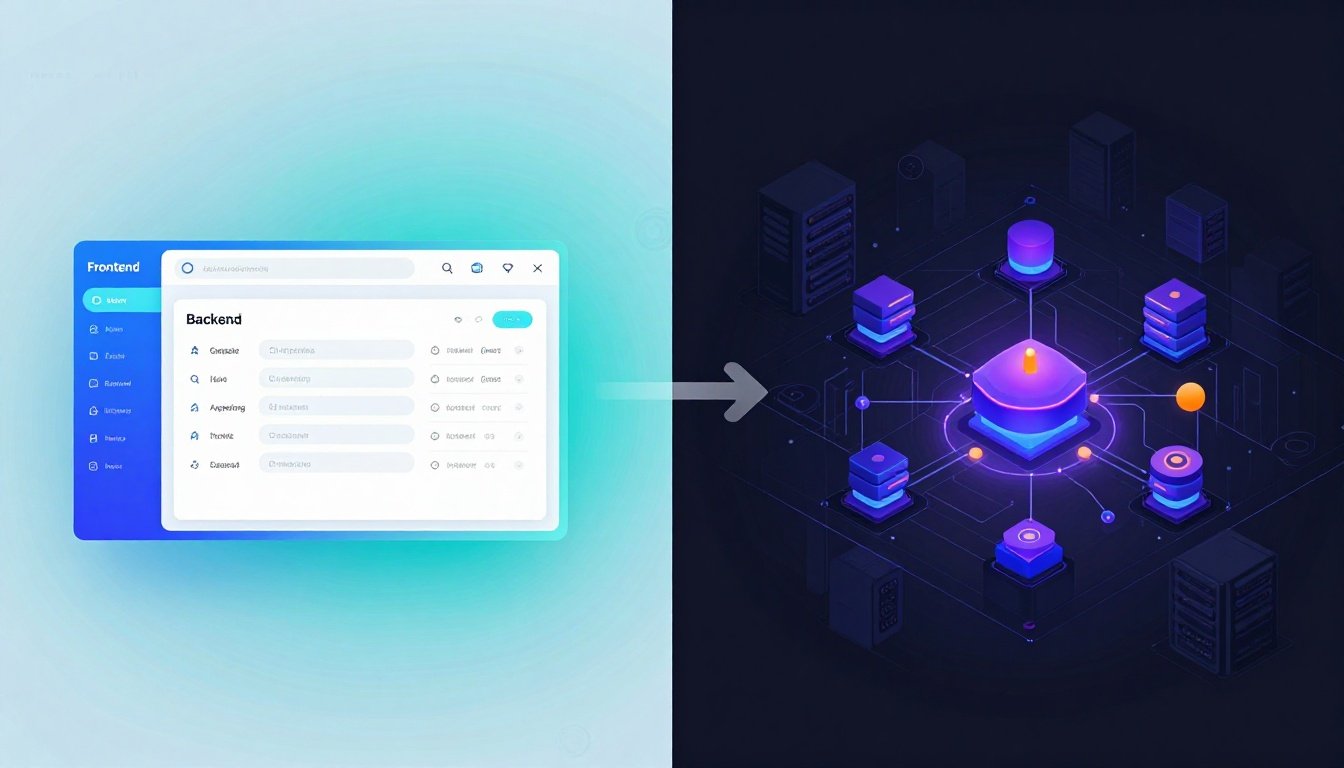
CMS options like WordPress offer drag-and-drop ease but add bloat. Static site generators shine for devs—Gatsby or Next.js deliver blazing loads with full control.
Headless CMS like Strapi pair well with React fronts. They cut maintenance while letting you code custom features. For pure speed, Hugo wins with minimal overhead. WordPress setup steps work if you prefer familiarity over code tweaks.
Pick SSGs if metrics matter. They optimize Core Web Vitals out of the box, key for tech readers who notice lag.
Domain, Hosting, and Essential Performance Metrics
Grab a domain that screams expertise, like yourname.dev. Avoid generics—make it memorable and niche-specific. Hosting? Vercel or Netlify host static sites free and fast.
Track Largest Contentful Paint under 2.5 seconds. First Input Delay below 100ms keeps users engaged. Cumulative Layout Shift near zero prevents jarring jumps. SSL? It's non-negotiable—Google ranks secure sites higher.
Setting Up Developer Tool Integrations
Link GitHub for content version control. Push posts as markdown files for easy rollbacks. Add Prism.js for crisp syntax highlighting—readers scan code blocks quickly.
Analytics track what resonates. Google Analytics shows popular posts, but try Plausible for privacy. These tools help refine your tech blog strategy without overwhelming setup.
Content Creation: Engineering High-Value Technical Posts
Content drives everything. Make it solid, not fluffy. Devs skim for solutions—deliver value in every line.
Structuring the Definitive Technical Tutorial
Begin with the problem. State it clear: "Your API lags under load." Then propose a fix, like caching layers.
List prerequisites: Node 18, Redis installed. Follow with numbered steps and code blocks. End with tests and a GitHub repo link—runnable code builds trust.
This flow mirrors how you debug. It keeps readers hooked from pain to win.
Mastering Code Presentation and Readability
Format code tight. Use short lines, no endless wraps. Annotate key parts with comments that explain why, not just what.
Tools like Mermaid.js draw flowcharts inline. A diagram beats paragraphs for complex flows, boosting understanding by 30% in studies. Excalidraw adds hand-drawn charm for architecture sketches.
Break big chunks. Readers retain more when visuals guide them.
Integrating Personal Experience and "Why" Over "How"
Docs cover how-to basics. Your blog shines with stories— that all-nighter chasing a memory leak. Share decisions: why pick Kafka over RabbitMQ in your stack.
This builds connection. Readers see you as a peer, not a textbook. Lived tales turn posts into must-reads, far beyond dry guides.
SEO for the Technical Writer: Getting Discovered
Tech searches hit precise terms. Optimize for those to climb ranks. Visibility means traffic from frustrated coders.
Keyword Research for Developer Queries
Hunt error messages like "TypeError in Next.js hydration." Tools like SEMrush uncover volume. Target comparisons: "Vite vs Webpack build times 2026."
Long-tails like "optimize GraphQL resolvers for mobile" snag featured snippets. Devs paste exact pains into search—match them in titles.
Technical SEO Implementation Checklist
Craft clean URLs: /blog/react-hooks-best-practices. Add HowTo schema for tutorials—Google loves structured data.
Alt text diagrams: "Flowchart of serverless deployment pipeline." Link internally: from a hooks post to state management deep dive. This boosts dwell time and authority.
Building Authority Through Link Acquisition
Contribute to open source. Mention your post in a README—links follow. Answer Stack Overflow with blog refs, but add value first.
Speak at meetups. Share slides linking back. These earn natural backlinks from dev communities, signaling trust to search engines.
Monetization and Scaling Your Authority
Your blog grows beyond notes. Turn it into a career booster. Scale smart to sustain effort.
Leveraging Content for Career Opportunities
Top posts showcase skills. A viral Docker tutorial proves your ops chops to employers. Use it in interviews: "See my breakdown here."
Add a contact page listing expertise from posts. Clients spot consultants via deep content. It's free marketing that pre-sells you.
Ethical and Relevant Monetization Paths
Affiliate dev tools: link to VS Code extensions or AWS courses. Sell boilerplates for niche setups, like CI/CD templates.
Sponsored posts? Only if they fit, like a tool you use. Avoid ads—tech readers tune them out. Focus on value-aligned income.
Consistency and Content Calendar Planning
Post weekly or bi-monthly. Batch ideas: Mondays for outlines, Fridays for drafts. Tools like Notion track your queue.
This rhythm feeds algorithms. Readers return for fresh takes. Start small—sustainable beats burnout.
Conclusion: From Coder to Thought Leader
You've got the map: niche down, set up fast, craft deep content, SEO smart, and scale steady. These steps turn quiet code into loud impact.
No more hidden expertise. Launch that first post today. Blogging as a developer invests in your future—watch opportunities roll in.