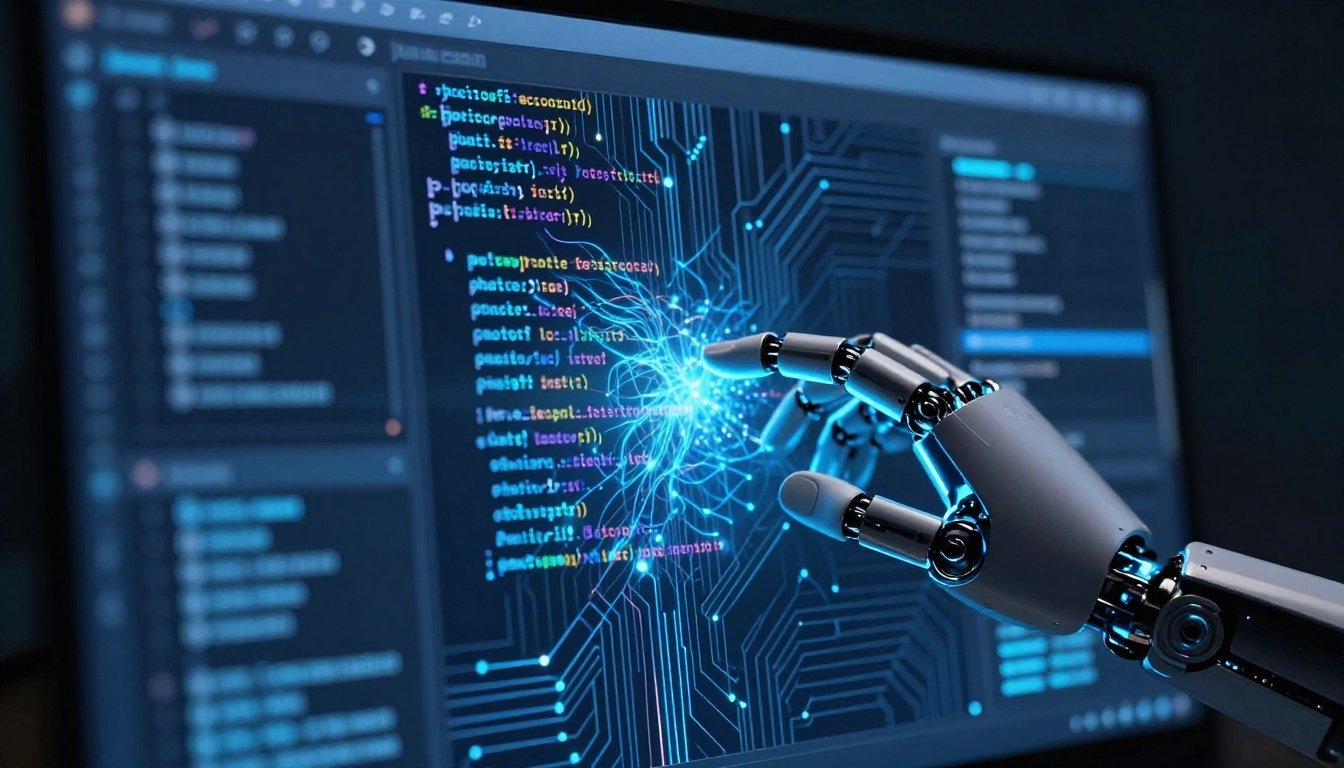
Imagine typing a few lines of code, and an AI instantly fills in the rest, spots bugs before they crash your app, and even suggests the best way to build your system's backbone. This isn't science fiction—it's the new normal in software development. AI has woven itself into every step of the process, from writing code to deploying apps, making tasks faster and smarter.
We see AI shifting the game by acting as a true partner to developers. It handles the grunt work so you can focus on big ideas. This article explores how artificial intelligence boosts speed, improves quality, and reshapes design in software development. AI won't take your job; it will make you better at it, unlocking new levels of efficiency and innovation.
Accelerating the Coding Process with Generative AI
Generative AI tools now speed up coding like never before. They turn vague ideas into solid code snippets in seconds. Developers spend less time on routine tasks and more on solving tough problems.
AI-Powered Code Generation and Completion
Tools such as GitHub Copilot and Amazon CodeWhisperer stand out here. These systems study your code context and suggest full functions or blocks. For example, if you're building a web app in Python, the AI might write a complete user authentication module based on your comments.
This cuts down boilerplate code time dramatically. A Stack Overflow survey from 2025 shows developers save up to 55% of their coding hours with these tools. You type a prompt like "create a REST API endpoint for user login," and it delivers working code you can tweak. No more staring at blank screens—AI gets you started fast.
Real gains come in team settings too. Junior devs ramp up quicker with smart suggestions, while experts handle complex logic without basics slowing them down. It's like having an endless supply of code examples tailored just for your project.
Automated Refactoring and Optimization
AI doesn't stop at writing new code; it polishes old stuff too. It scans your codebase for slow spots and proposes fixes. Think of it as a tireless code reviewer that knows every language's best practices.
For instance, AI can spot inefficient loops in JavaScript and rewrite them for better speed. Tools like DeepCode use machine learning to apply refactoring patterns humans might overlook. This means cleaner, faster apps without weeks of manual tweaks.
You can even translate code between languages automatically. Need to move from Ruby to Go? AI handles the heavy lifting, updating syntax and idioms along the way. A 2026 Gartner report notes that such automation reduces refactoring time by 40%. It's a game boost for legacy system updates.
Intelligent Debugging and Error Prediction
Bugs plague every project, but AI predicts them early. Machine learning models chew through error logs and past fixes to flag risks. Before you run your code, it highlights potential crashes.
Take concurrency issues in multi-threaded apps—these are hard to catch. AI tools like those from IBM Watson analyze patterns and warn you. In one case at a major bank, AI spotted a zero-day vulnerability in payment code during dev, averting a big headache.
Prediction goes further with historical data. If your team fixed similar bugs before, AI suggests the same patch. This slashes debug time from hours to minutes. Developers report 30% fewer production errors, per a recent Forrester study. You deploy with confidence, knowing AI has your back.
Transforming Quality Assurance and Testing
Testing used to eat up project timelines. AI flips that script by automating smart checks. It ensures your software works without endless manual runs.
Quality assurance now feels proactive, not reactive. AI spots issues in code and tests alike, keeping bugs at bay from the start.
AI-Driven Test Case Generation
AI pulls from requirements and code to build test suites on its own. Feed it user stories, and it creates unit tests, integration checks, even end-to-end flows. No more guessing what to test—AI covers all angles.
Tools like Testim use this to generate cases that match your app's logic. Coverage jumps from 60% manual to over 90% with AI, according to a 2025 Capgemini report. You get thorough tests without the tedium.
This works for edge cases too. AI thinks of scenarios like network failures or odd user inputs that humans miss. Your app ends up more robust, ready for real-world chaos.
Self-Healing and Adaptive Testing Environments
Apps change fast, and so must tests. AI makes them self-healing by tweaking scripts when UI shifts slightly. A button moves? The test updates itself.
In UI testing, computer vision spots visual tweaks without breaking runs. Natural language processing handles dynamic content too. Tools from Applitools do this well, cutting flaky test rates by 70%.
Adaptive setups adjust on the fly. If your app loads slower under load, AI ramps up stress tests. This keeps quality high as you iterate quickly. Teams save days on maintenance, focusing on new features instead.
Predictive Defect Management
Spot defects before tests even start—that's AI's edge. It looks at code complexity, commit history, and bug patterns to score risky modules. High scores mean extra scrutiny.
Integrate this into your CI/CD pipeline as a gate. If a module flags high, it pauses deployment for review. This catches issues early, per a 2026 IEEE study showing 25% defect reduction.
Action step: Add AI scoring to your workflow. Tools like SonarQube with ML plugins make it simple. You build safer software with less effort.
Enhancing Design, Architecture, and Requirements Gathering
Design phases drag with unclear needs. AI streamlines this by clarifying specs and sketching structures. It turns vague talks into solid plans.
From gathering input to modeling threats, AI brings foresight to the table.
Natural Language Processing for Requirements Elicitation
Stakeholders ramble in meetings or tickets. NLP tools parse that mess into clear requirements. They pull key needs from transcripts, flagging conflicts like "fast app" versus "cheap hosting."
AI from companies like IBM helps resolve these upfront. It suggests compromises based on past projects. This cuts rework by 35%, as noted in a recent McKinsey analysis.
You end up with unambiguous specs everyone agrees on. No more mid-project surprises—AI keeps requirements tight and actionable.
AI-Assisted Architecture Prototyping
High-level goals like scalability? AI proposes layouts. It might suggest a microservices split for your e-commerce site or Kubernetes setups for cloud deploys.
Tools such as AWS Well-Architected use ML to pick databases based on query predictions. For low-latency needs, it recommends NoSQL over SQL. Real example: Netflix used similar AI to optimize streaming architecture, handling peak loads smoothly.
Prototyping speeds up too. AI generates diagrams and code stubs, letting you test ideas fast. This foresight avoids costly redesigns later.
For more on AI tools that boost productivity in such tasks, check out best AI productivity tools.
Security by Design: Automated Threat Modeling
Security starts early with AI. It scans designs for weak spots, mapping threats like injection attacks. No waiting for scans—AI builds it in.
Tied to OWASP Top 10, tools like Microsoft's Threat Modeling Tool use AI to suggest fixes. It flags unencrypted data flows or weak auth in prototypes.
This proactive approach cuts vulnerabilities by 50%, per a 2025 Verizon report. You design secure apps from day one, saving breach headaches.
The Future of DevOps and MLOps Integration
DevOps gets a brain with AI, optimizing flows and fixes. MLOps adds layers for AI in apps. Together, they make operations smooth and smart.
The blend means faster releases and quicker recoveries.
Intelligent CI/CD Pipeline Optimization
AI watches your pipelines and tweaks them. It allocates resources for heavy builds or skips low-risk tests. Deployment timing? Based on risk scores from tests.
Anomaly detection handles canary releases, rolling back if issues pop. GitLab's AI features do this, reducing deploy fails by 40%.
You get reliable, frequent updates without constant oversight. Pipelines run like clockwork, tuned to your team's pace.
AI for System Observability and Root Cause Analysis (RCA)
Monitoring evolves with AI correlating logs, metrics, and traces. It pinpoints incident causes in seconds, not hours.
Traditional RCA might take a day; AI does it in minutes. Tools like Datadog's Watchdog use ML for this, linking a slow API to a database hiccup.
In distributed systems, this saves downtime costs. A 2026 study from New Relic shows 60% faster resolutions. You fix problems before users notice.
Managing and Maintaining AI Models (MLOps for Developers)
AI in your stack means new duties. Track data drift in models or version suggestions like code. Ensure fairness to avoid biases.
Treat AI outputs as code—test and control them rigorously. Tools like MLflow help with versioning. Tip: Version AI-generated code in Git for traceability.
Developers build these skills now. It keeps your apps ethical and reliable as AI deepens.
Conclusion: The Augmented Developer Ecosystem
AI reshapes software development across the board. It accelerates coding, strengthens testing, sharpens design, and streamlines DevOps. Speed surges, quality rises, and foresight guides every choice.
Your role evolves to guiding AI, thinking critically, and innovating. Developers who adapt thrive in this new world.
Key takeaways:
- Use generative AI to cut coding time by over 50%.
- Integrate predictive testing to spot defects early.
- Leverage NLP for clear requirements and secure designs.
- Optimize pipelines with AI for faster, safer deploys.
- Build MLOps habits to manage AI components like code.
Embrace these changes today. Start small with one tool, and watch your projects transform. The future belongs to augmented teams—join them.